
Mobile Web

What is Mobile Web?

Mobile Web is Digicel’s latest product innovation, which allows a customer to access the Internet on the Digicel Mobile phone.
 
GPRS Technology enables Mobile Web service on the Digicel GSM network.

What is Internet?

Internet is a global system of interconnected computer networks that interchange information or data. It’s the “Network of Networks”.  Most people refer to it as the Web.
 
See Annex A for the definition of important Internet terminologies.

What is GPRS?

GPRS or General Packet Radio Service is a technology, which enables high speed data transmission over the GSM network.  A typical example of high speed data transmission is Mobile Web or browsing on Mobile Phone.

Is Mobile Web available across PNG?

Yes. Mobile Web is now available in all provinces except for Tabubil.  Coming soon to Tabubil.    

Who can use Mobile Web?

All prepaid and postpaid customers can use Mobile Web. However, the customer should have a GPRS-enabled handset. Otherwise, the customer cannot use Mobile Web.

What is a GPRS-enabled handset?  What handset models are GPRS-enabled?
A GPRS-enabled handset is a Digicel phone that is compatible with the GPRS technology. Only GPRS-enabled handsets can use Mobile Web.

Following is a list of GPRS-enabled handsets that are available at Digicel:

Nokia 6500                            Nokia 2600
Nokia 5310                            Nokia 7210
Nokia N95                             Nokia 6220
Samsung B100                      Samsung B520
Samsung C520                      Samsung E250
Motorola Razor V3                 Motorola Krazor K1
Sony Ericsson W200i             Sony Ericsson W880i
Motorola V8

How is Mobile Web charged?

Charging is done solely based on the quantity of data transferred, regardless of how much time the subscriber spends connected to the Internet via Mobile Web.  Data transfer refers to either uploading or downloading data using the Mobile Web.

  • There is no activation fee for Mobile Web.  
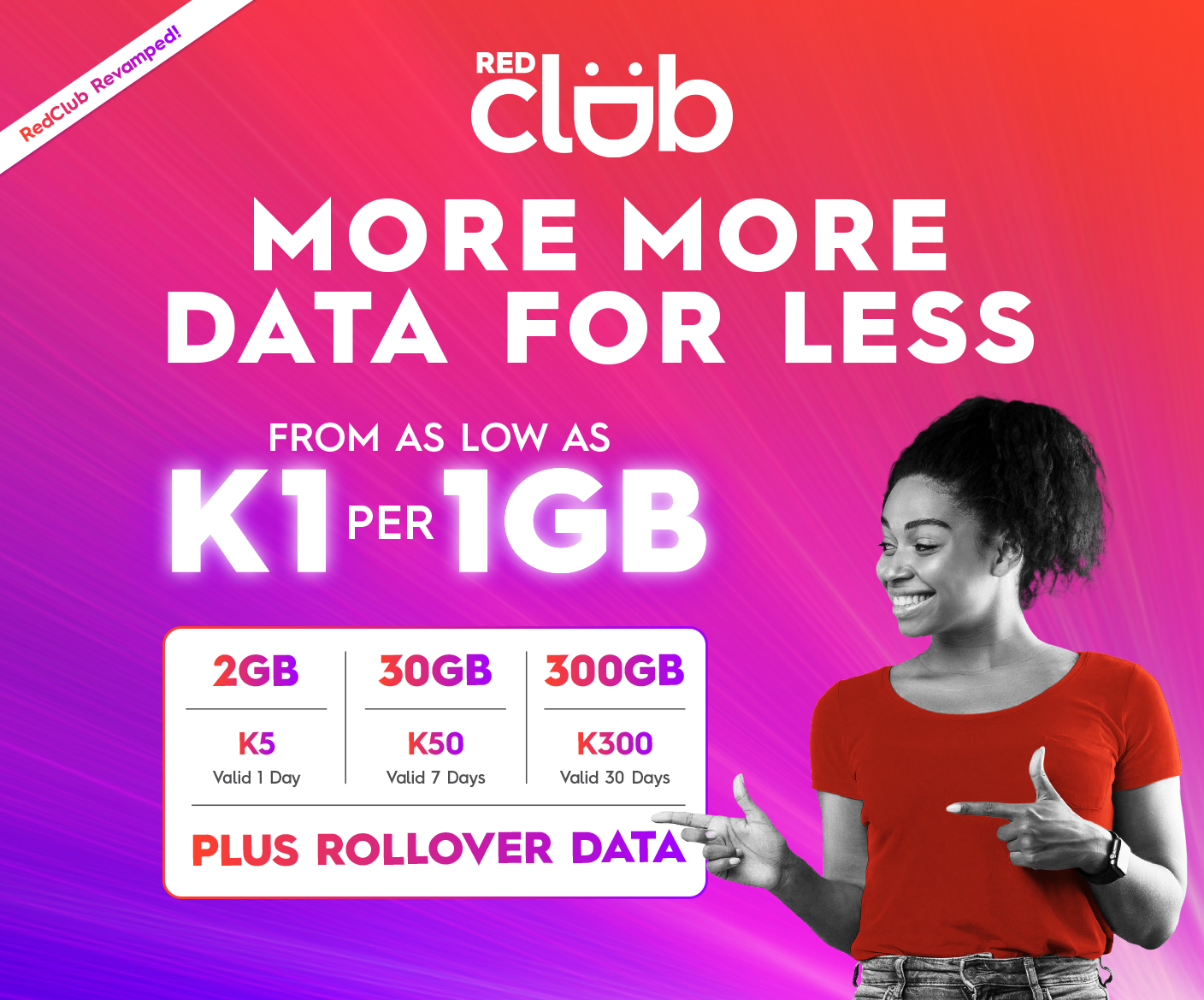
  • Mobile Web usage will be charged PGK 1.99 per 1 MB.
  • Customers will be billed per Kb.
  • There are 1,024 Kb in 1MB
  • Hence, a data transfer of 50kb will be charged 10 toea (50kb / 1,024kb * K1.99 = 10 toea)

I am a Digicel subscriber and I have a GPRS-capable phone that is not included in the list of GPRS-capable phones mentioned in the Digicel ad.  How can I activate and use GPRS?

Please call our Customer Care and provide the following information:

  • Your Phone Number
  • Your handset brand (e.g. Nokia, Motorola, etc.)
  • Your handset model (N95, V8, etc).
Our agents will send you the correct Internet settings through SMS and you must activate it by entering PIN code 1234.

Can I set the correct Internet phone settings on my own?

Yes. Just go to Data Connections and create a new profile. Enter the following:
           
Profile Name                                      :         DigicelPNG Internet
Access Point Name (APN)                  :         internet.digicelpng.com

However, this is recommended to tech-savvy people. Otherwise, use our Self-care or simply call our Call Centre.

How will I know how much Kb have I transferred using Mobile Web?

It is handset dependent. Some phones show the amount of data transferred.

What can I do with Mobile Web?

Mobile Web is internet on your mobile phone. Hence, the things that you normally can do using a regular internet connection is also possible using the Mobile Web. In summary, Mobile Web brings ICE (Information, Communication, Entertainment).

INFORMATION
- World Wide Web
- news, history, current events, people (facebook)
- e-commerce (banking, online purchase, auction, etc)
- “anything under the sun”

COMMUNICATION
-  email (yahoo, hotmail, gmail, etc)
-  chat or instant messaging (skype, yahoo messenger, etc)
-  VOIP (Voice Over Internet Protocol)

ENTERTAINMENT
-   multimedia files (music, video, pictures, movies, etc)
-   games (java games, online casino, ragnarok, etc)
 
How much credit should at I have at the minimum to be able to use Mobile Web?

The lowest amount of data transfer is 1Kb.  1Kb is charged 1 toea (rounded up). Hence, at the minimum, you should have a credit balance of 1 toea.

What is WAP?

WAP (Wireless Application Protocol) is a set of specific communication protocols to standardize the way that wireless or mobile devices, such as cellular phones can be used for accessing The Internet and Internet-like applications, including e-mail retrieval.  WAP pages consist mainly of text and or black and white images.

What is APN?

APN is abbreviation for Access Point Name. This represents the GPRS/Mobile Web connection point to an external network (Internet, intranet, WAP). This is the main   parameter that needs to be configured in the handset.
 
The Internet APN on the Digicel PNG network is internet.digicelpng.com

What is SGSN?

SGSN or Serving GPRS Support Node is responsible for the delivery of data packets from and to the mobile stations within its geographical service area. 
 
What is GGSN?

GGSN or Gateway GPRS Support Node acts as an interface between the GPRS backbone network and the external packet data networks (radio network and the IP network).  It converts the GPRS packets coming from the SGSN into the appropriate package data protocol (PDP) format (e.g. IP or X.25) and send them out on the corresponding packet data network.


ANNEX A - INTERNET TERMINOLOGIES

HTML - an acronym for Hypertext Markup Language, HTML is the computer language used to create hypertext files (e.g. web pages).
 
HTTP - stands for HyperText Transfer Protocol -- the method used to transfer hypertext files across the Internet.
 
World Wide Web – or www, a collection of hypertext files available on web servers that can be accessed by web browsers.
 
Browser - is a software program that allows you to view and interact with various kinds of Internet resources available on the World Wide Web. The 3 most commonly used browsers are Internet Explorer, Netscape and Firefox.
 
Server - a computer that stores data and handles requests for data, email, file transfers, and other network services from other computers.
 
URL - an acronym for Uniform Resource Locator, a URL is the address for a resource or site (usually a directory or file) on the World Wide Web and the convention that web browsers use for locating files and other remote services.
 
Domain Name - unique name that identifies an Internet site. The Internet is made up of hundreds of thousands of computers and networks, all with their own domain name or unique address. Domain name registration can be done through ICANN (Internet Corporation for Assigned Names and Numbers).
 
IP Address - a numeric code that uniquely identifies a particular computer on the Internet. Just as a street address identifies the location of your home or office, every computer or network on the Internet has a unique address, too.
 
Modem - short for Modulator/Demodulator, a modem is a device that allows remote computers to communicate, to transmit and receive data using telephone lines. Modems convert digital signals from computers to analog so it can travel over analog telephone lines.
 
Packet/Packet Switching - packet-switching is the process by which a carrier breaks up data into chunks or packets. Each packet contains the address of origin, the address of its destination, and information about how to reunite with other related packets. This process allows packets from many different locations to co-mingle on the same lines and be sorted and directed to different routes by special machines along the way. 
 
Router - a piece of hardware or software that functions as a sorter and interpreter as it looks at addresses and passes bits of information to their proper destinations. 
 
Protocol - standard or set of rules that two computers use to communicate with each other. Also known as a communications protocol or network protocol, this is a set of standards that assures that different network products or programs can work together.
 
TCP/IP - stands for Transmission Control Protocol/Internet Protocol, the language governing communications between all computers on the Internet.
 
IP - or Internet Protocol, is the specification that determines where packets are routed to, based on their destination address. 
 
TCP - or Transmission Control Protocol, makes sure that the packets arrive correctly at their destination address. If TCP determines that a packet was not received, it will try to resend the packet until it is received properly. 
 
Bandwidth - the maximum amount of data that can travel a communications path in a given time, usually measured in seconds. If you think of the communications path as a pipe, then bandwidth represents the width of the pipe that determines how much data can flow through it all at once. 
 
Bit - short for binary digit, a bit is the smallest unit of data a computer can handle. Bits are used in various combinations to represent different kinds of data. Each bit has a value of 0 or 1.
 
Bps - bits per second and a measurement of how fast data is transmitted. Bps is usually used to describe modem speeds or the speed of a digital connection.

Byte - series of bits of a particular length, usually 8. Computer storage space is measured in bytes. A Kilobyte (or 1 K) represents 1024 bytes and a Megabyte (1 Mb) represents one thousand "K" bytes, or one million bytes. 
 
Search Engine - a type of software that creates indexes of databases or Internet sites based on the titles of files, keywords, or the full text of files. The search engine has an interface that allows you to type what you're looking for into a blank field. It then gives you a list of the results of the search. When you use a search engine on the Web, the results are presented to you in hypertext, which means you can click on any item in the list to get the actual file.